Fortnite fans know the thrill of dropping into the Battle Bus, but nothing kills the vibe faster than error code 93. It’s like showing up to a party and finding out it’s been canceled—total buzzkill! This pesky error can leave players scratching their heads and wondering if their console is secretly plotting against them.
Overview of Error Code 93 Fortnite
Error code 93 in Fortnite indicates a server connection issue. Players often encounter it when trying to access game features or during the matchmaking process. The error disrupts gameplay, leading to frustration and confusion. Many users believe their consoles are malfunctioning, contributing to the anxiety of not being able to play.
In most cases, this problem arises from server instability or settings on the player’s internet connection. Network congestion, maintenance periods, or downtime can trigger this error. Identifying the root cause involves checking Epic Games’ official status pages for any reported outages.
To troubleshoot error code 93, players can take several steps. Restarting the game is often the simplest solution. Modifying router settings, such as enabling UPnP, can enhance connectivity. Players may also consider using a wired connection to improve stability.
Advanced solutions include clearing the cache of the game or console. Following the manufacturer’s instructions for clear cache actions may resolve potential issues. Verifying game files through the Epic Games Launcher ensures the installation is intact.
Staying updated on patches or maintenance notices from Epic Games helps players anticipate possible disruptions. Engaging with community forums can provide additional tips and shared experiences from others encountering similar issues. Addressing the error promptly enhances the overall gaming experience.
Common Causes of Error Code 93
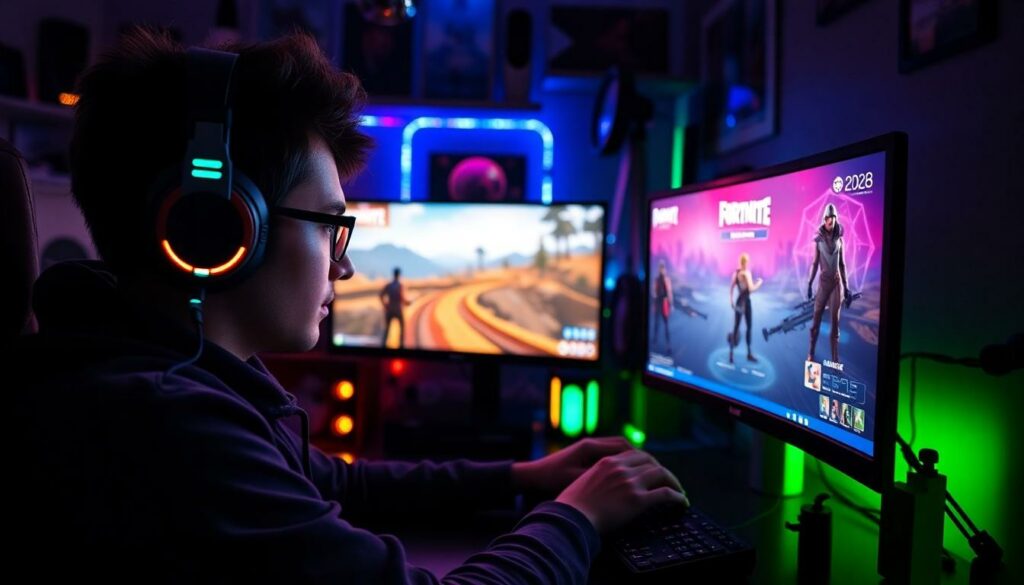
Error code 93 often stems from several underlying issues that disrupt gameplay. Understanding these causes helps players troubleshoot effectively.
Server Issues
Server issues frequently trigger error code 93. Unstable servers can lead to matchmaking interruptions. During peak times, server overload occurs. Maintenance periods also contribute to connection difficulties. Players should check the server status on Epic Games’ official website for real-time updates.
Connection Problems
Connection problems play a significant role in triggering error code 93. Weak Wi-Fi signals cause instability. Network congestion from multiple devices hinder performance. Using a wired connection enhances reliability and reduces lag. Optimal router settings are crucial. Players should prioritize bandwidth usage for gaming to minimize disruptions.
Software Conflicts
Software conflicts may cause error code 93 during gameplay. Outdated game files create compatibility issues. Background applications can consume resources, impacting performance. Antivirus programs sometimes block the game, leading to connection failures. Regularly updating software and closing unnecessary applications helps maintain seamless play.
How to Fix Error Code 93 Fortnite
Fixing error code 93 in Fortnite requires a series of troubleshooting steps. Implement these methods for a smoother gaming experience.
Check Server Status
Players should first check the server status. This involves visiting Epic Games’ official server status page for any ongoing outages or maintenance updates. Ignoring this step can lead to unnecessary frustration. Server downtime often causes error code 93; thus, being aware of server health is essential. If the servers are operational, players can proceed to other solutions.
Restart Your Device
Restarting the gaming device often resolves many errors. Turning the console or PC off, waiting a few moments, and then powering it back on clears temporary glitches. Reinitializing the device refreshes the connection and could eliminate error code 93. This simple step often restores proper functionality and helps maintain gameplay stability.
Adjust Network Settings
Network settings may require adjustments to fix error code 93. Players should enter router settings and ensure that UPnP is enabled to improve connectivity. Additionally, prioritizing the gaming device on the network can mitigate lag and connection issues. Switching from Wi-Fi to a wired connection can enhance download stability. Such modifications lead to a more reliable gaming experience.
Reinstall the Game
Reinstalling the game can provide a clean slate. Uninstalling Fortnite and then downloading it again may remove corrupted files that contribute to error code 93. This process guarantees players access to the latest updates and files. Backup configurations can prevent loss of data as well, ensuring minimal disruption for the gamer. The fresh installation often resolves persistent issues effectively.
Preventing Future Errors
Players can take proactive measures to minimize the occurrence of error code 93. By focusing on software updates and optimizing internet connections, they can enhance their overall gaming experience.
Regular Software Updates
Keeping Fortnite and system software updated plays a critical role in avoiding error code 93. Developers frequently release patches that fix bugs and improve performance. Players should regularly check for these updates on the Epic Games Launcher and their gaming consoles. Updating antivirus programs also mitigates software conflicts that may arise. By maintaining current software, players ensure compatibility and reliability during gameplay, thus reducing the likelihood of encountering this frustrating error.
Optimize Your Internet Connection
Optimizing internet connections significantly reduces the chances of error code 93. Players benefit from using a wired Ethernet connection, which offers greater stability over Wi-Fi. Disabling unused devices on the network helps free up bandwidth for the gaming console. Prioritizing the gaming device through router settings can further enhance connectivity. Adjusting settings like Quality of Service (QoS) may improve performance during peak usage times. Monitoring internet speed helps identify potential issues that could lead to disruptions, enabling players to address them proactively.
Conclusion
Error code 93 can be a significant hurdle for Fortnite players looking to enjoy a seamless gaming experience. Understanding the causes and potential solutions is key to overcoming this frustrating issue. By staying proactive with software updates and optimizing internet connections, players can minimize disruptions and enhance their gameplay. Engaging with community resources and checking server statuses can also provide valuable insights. With the right approach, players can navigate the challenges posed by error code 93 and get back to enjoying their favorite game.